
Selling Eyesafe? Start here.
Everything you need to add Eyesafe® screen protection to your next Lenovo Chromebook deal. For sellers only; please don’t share this page with customers.
Sales materials
Current, approved versions. Always download from here rather than forwarding old attachments. Customers can find everything on eyesafe.com/lenovo3po. No pricing in any material; pricing comes on the Lenovo quote.
Seller Quick Card SELLERS ONLY
Front and back: the pitch, who buys, how to quote, objections and next steps.
Chromebook sell sheet
Two pages for districts: what it is, why it matters for students, and how to buy. Send this first.
Science & sources
Every statement with its published source. Send when a customer asks “is this real?”
Breakage white paper
How screen damage drives repair cost and downtime across a 1:1 fleet.
Healthier Classrooms K-12 guide
The school leader’s guide to screens, sleep and student eye health. For superintendents and leaders.
The pitch
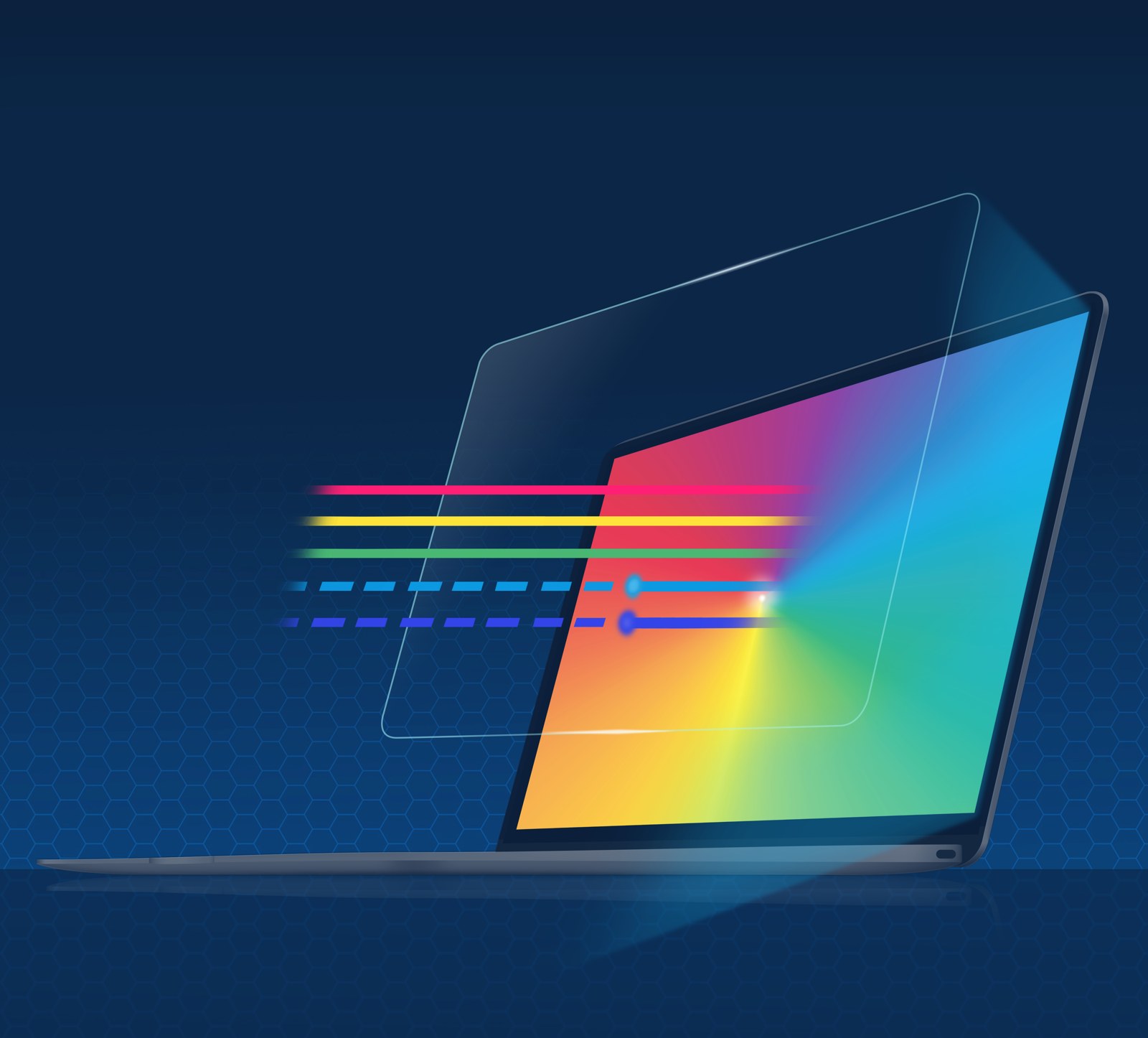
30 seconds: Every Lenovo Chromebook on your quote can add an Eyesafe® screen protector. It’s a precision-fit, anti-glare PET film that protects the screen from scratches and damage, and reduces the high-energy blue light students face all day, without changing screen color. Touch and stylus work as normal. It’s one line item per device. Want me to include it?
15 seconds: One line on the quote protects the screen and supports students’ eyes. Want me to add it?
Who buys
IT director: fewer screen repairs, nothing to configure.
District leaders: an answer to parent screen-time concerns, backed by published research.
Procurement: one part number on the Lenovo quote; spec language at eyesafe.com/specify.
Deal triggers
“We’re refreshing our 1:1 Chromebooks.” “Cracked screens are eating our repair budget.” “We’re writing the RFP.” (Jan to Apr for fall) “Parents keep asking about screen time.” “These devices need to last longer.”
Quote it. Send the right things.
Add it to the quote
Add the Eyesafe® part number as a line item on the Lenovo device quote, one per device. Find the exact part number with the SKU finder. Quote the Worldwide (4Z) part number for stocked orders, or the U.S./Canada (78) part number for drop-ship orders.
What to send customers
Every district: the sell sheet + eyesafe.com/lenovo3po.
“Is this real?”: the Science & Sources sheet.
RFP or spec: eyesafe.com/specify.
Leaders: the Healthier Classrooms K-12 guide.
Win the deal. Earn the incentive.
What you can earn
Seller incentives are available on eligible Lenovo deals that include Eyesafe® protection. The full incentive schedule will be posted here soon. Until then, ask the Eyesafe team which incentives apply to your deal.
Log your sale
Register every deal so it counts toward your incentive. It takes a minute, and the Eyesafe team responds within one business day.
Find the part number.
Type the device, the Eyesafe part number comes right back.
| Device | Size | Worldwide (4Z) | U.S./Canada (78) | |
|---|---|---|---|---|
| ThinkPad T14 (Gen 5, 6, 7) + ThinkPad X1 Carbon 14″ (Gen 13, 14) | 14″ | 4Z11V35568 | COPY | Coming soon |
| ThinkPad L13 13.3″ (Gen 5, 6) | 13.3″ | 4Z11V35569 | COPY | Coming soon |
| ThinkPad X1 2-in-1 14″ (Gen 10, 11) | 14″ | 4Z11V35570 | COPY | Coming soon |
| Lenovo Duet EDU G2 + Chromebook Duet | 10.1″ | 4Z11V35571 | COPY | Coming soon |
| Lenovo 500e Chromebook 11.6″ (Gen 4, 5) | 11.6″ | Coming soon | Coming soon | |
| Lenovo 500e Chromebook (Gen 4, 5) | 12″ | 4Z11V35572 | COPY | Coming soon |
| Lenovo 300e Chromebook (Gen 4, 5) | 11.6″ | 4Z11V35573 | COPY | Coming soon |
| Lenovo 100e Chromebook 12″ (Gen 4, 5) | 12″ | Coming soon | Coming soon | |
| Lenovo 100e Chromebook (Gen 4, 5) | 11.6″ | 4Z11V35574 | COPY | Coming soon |
Also available for ThinkPad fleets (T14, X1 Carbon, L13, X1 2-in-1).
Run your numbers.
Walk the district through it. A cracked screen takes a device out of class and costs the district a repair. Use their figures and the protector price from your Lenovo quote. Read the breakage white paper.
Screen-breakage & TCO calculator
Model it with your own assumptions, every field is editable. Estimates only; impact test data available on request.
Objections, quick answers
“Chromebooks already have Night Light.” Night modes tint the whole screen warm and depend on settings. The protector is always on, keeps true color, and adds physical screen protection.
“Will it change how the screen looks?” No yellow tint. It is anti-glare, and touch and stylus work as normal.
“We already buy cases.” Cases protect the chassis. The protector covers the screen, the most expensive part to repair, and adds blue light management.
“Is blue light really a concern for kids?” Children’s eyes let more blue light through to the retina than adults’. Send the Science & Sources sheet; never improvise health claims.
“What does it cost?” Pricing comes on your Lenovo quote. Compare it with what a single screen repair costs the district.
Copy-and-send email
Subject: Screen protection for your Lenovo Chromebooks
Hi [Name],
As you plan your next Chromebook purchase, one add-on is worth a look: the Eyesafe® screen protector for Lenovo Chromebooks. It’s a precision-fit, anti-glare film that protects each screen from scratches and damage and reduces the high-energy blue light students face all day, without changing screen color.
I’ve attached the 2-page sell sheet. The full program and research are at eyesafe.com/lenovo3po.
Would you like me to add it to your quote?
[Your signature]
Attach: the sell sheet. No pricing in emails; pricing comes from the Lenovo quote.
Direct line to Eyesafe
Register a deal
Register before you send anything beyond the sell sheet. We confirm within one business day and support the deal from quote to close.