

Protect their screens. Support healthier screen time.
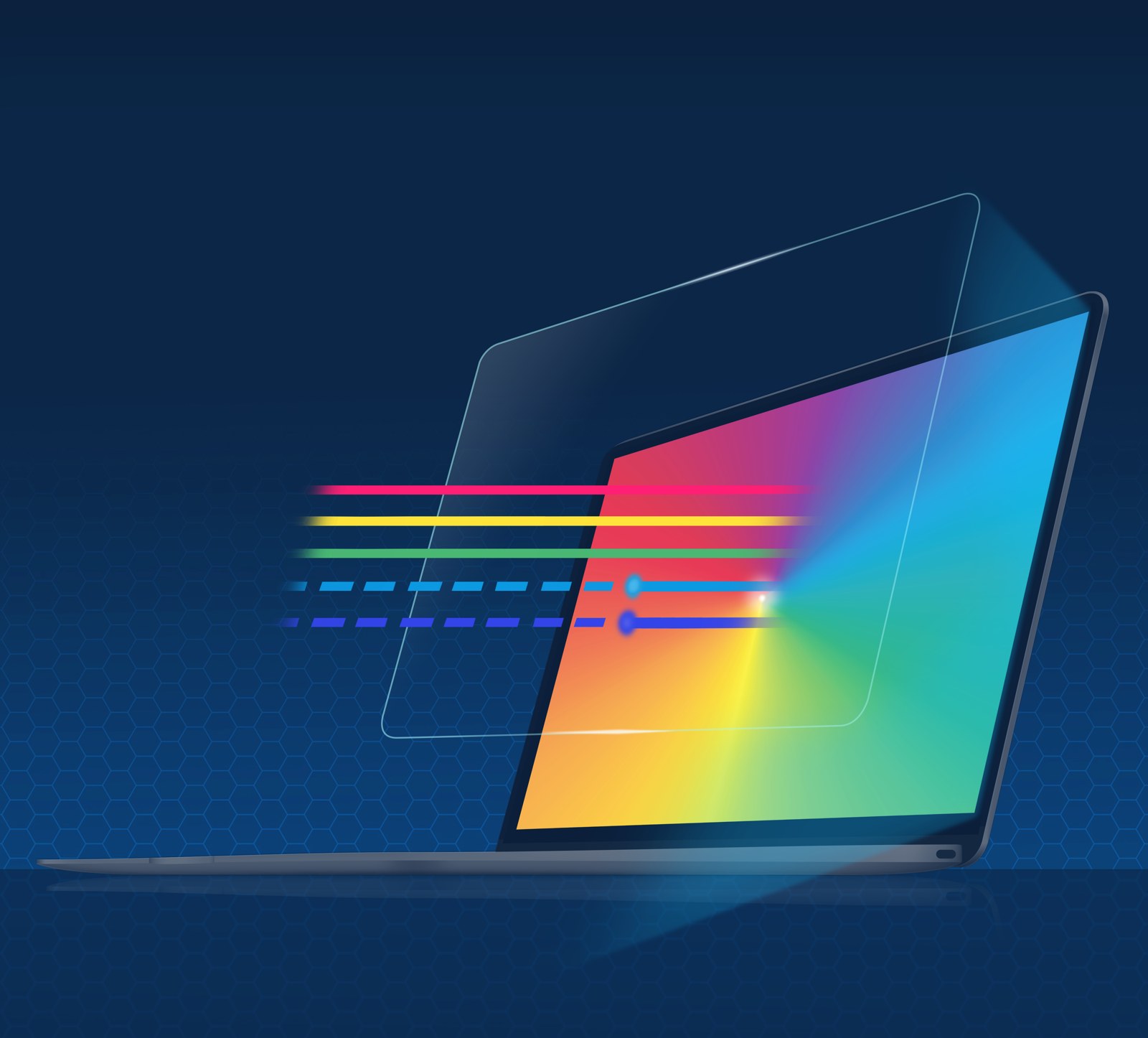
A thin, precision-fit, anti-glare PET film built for durability. It reduces high-energy blue light, keeps the screen’s true color, and protects the display from scratches and damage.
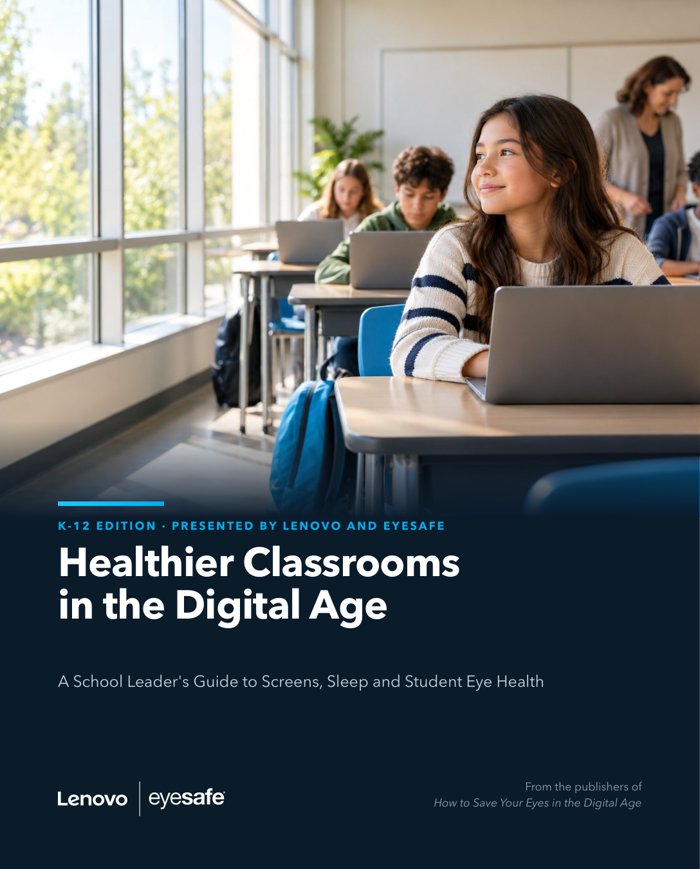 E-BOOKFREE K-12 E-BOOK · READ ONLINE OR DOWNLOAD THE PDFHealthier Classrooms in the Digital AgeA school leader’s guide to screens, sleep and student eye health. Presented by Lenovo and Eyesafe®.Get the free e-book →
A screen protector made for Lenovo Chromebooks
- Applies directly to the screen
- Touch and stylus work as normal
- Always on: nothing for students to turn on
- Supports visual comfort and reduces the blue light linked to later sleep timing
Children’s eyes and screens need protection.


One protector, two layers.
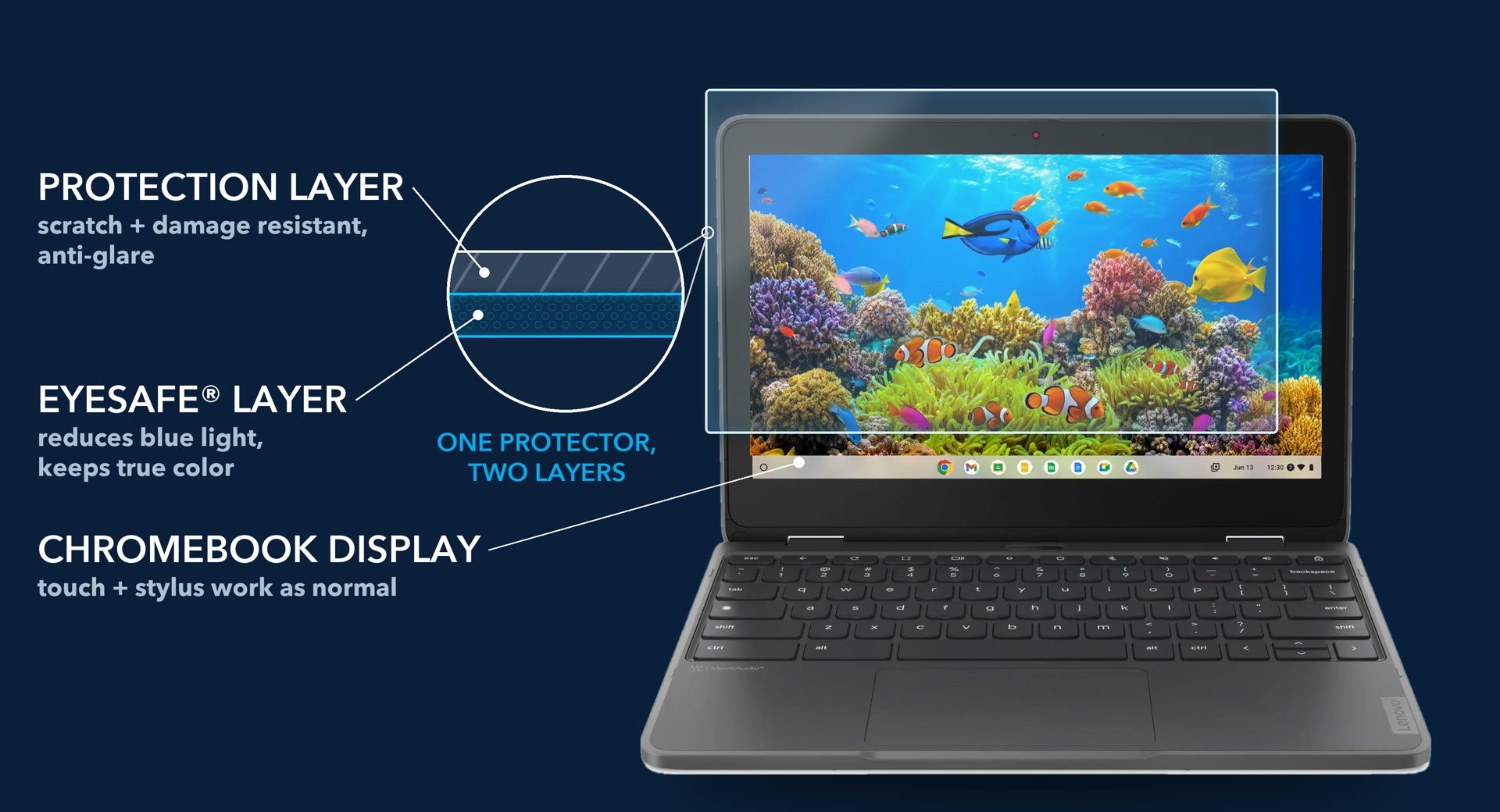
Reduces high-energy blue light, keeps the rest
The Eyesafe® layer reduces blue light across 400 to 500 nm, most at 435 to 440 nm, the band eye-safety standards weight most heavily. It filters 60%* of the blue light of most concern to our eyes, while colors stay true.
Find the right protection for your Lenovo devices
Which Lenovo devices does your school use? Choose all that apply. Not sure of the model or generation? It’s on the label on the bottom of the device.
- Reduces high-energy blue light, keeps true color
- Scratch- and damage-resistant PET surface
- Anti-glare. Touch and stylus work as normal
Ask your Lenovo sales rep to add the Eyesafe® protector for each of these models to your quote, one per device.
Device not listed? Ask us, one business day response.
Lenovo or partner seller? Visit the Materials Center for part numbers, sell sheets and training.
Through your Lenovo sales rep.
Add it to your quote
Ask your Lenovo sales rep to add Eyesafe® protection to your Chromebook quote, one per device.
Large deployments
Ask your Lenovo sales rep about protection that ships in the box with each device.

Guided by leading eye doctors.
Eyesafe® technology is developed with the Eyesafe® Vision Health Advisory Board, a group of leading optometrists and ophthalmologists who guide our product requirements and research, and who authored the chapters of the Eyesafe® Handbook.
 David Friess, OD, FAAOChair
 Dagny Zhu, MD
 William Wiley, MD
 Chad Dockter, OD
 Mitchell A. Jackson, MD
 Vance Thompson, MD
 Sheri Rowen, MD
 Robert J. Weinstock, MD
 Richard Lindstrom, MD
 William B. Trattler, MD
 H. Burkhard Dick, MD, PhD
 Paul Karpecki, OD
Meet the Vision Health Advisory Board → Explore the research →
Healthier Classrooms in the Digital Age.
A school leader’s guide to screens, sleep and student eye health, with a practical playbook for building healthier digital classrooms.
Get the free guide
Instant download. We never sell your email.
Healthier Classrooms in the Digital Age
Unlock the full e-book
Read all seven chapters and the district tools online, and we’ll email you the PDF.
Resources for school leaders.
Share these with your superintendent, technology team and procurement.
Chromebook overview
Two pages: what it is, why it matters for students, and how to buy.
Science & sources
Every statement with its published source, for district leaders and procurement.
Questions or a sample?
Samples, compatibility, anything else. One business day response.
Lenovo or partner seller? Register deals and get seller resources at /lenovo3po/sellers.
*Measured at 435 to 440 nm. 1. ANSES (French Agency for Food, Environmental and Occupational Health & Safety), LED report, 2019. 2. Inverse-square law: half the distance, four times the light. 3. Common Sense Media, The Common Sense Census: Media Use by Tweens and Teens.
Eyesafe® products are not intended to diagnose, treat, cure or prevent any disease or medical condition. eyesafe.com/disclaimer. EYESAFE® and the EYESAFE logo are registered trademarks of Eyesafe Inc. Pat: eyesafe.com/patents. Lenovo and ThinkPad are trademarks of Lenovo.